 Sinmerma
Photos from WhatsApp for printing: how to send them so they print sharp
The photo for the cake, the frame or the T-shirt looked fine on the phone and came out pixelated on paper. It wasn't the printer: WhatsApp compressed it when it was sent. Print shops know the fix: “send it as a document”.
To print a photo that goes through WhatsApp, it has to be sent as a document, so the original file arrives. A photo sent the normal way loses resolution, and that can't be recovered on the other side.
Why photos from WhatsApp print badly
A print needs a lot of pixels. A common rule for photo prints is 300 pixels per inch: a 4×6 in (10×15 cm) print needs about 1200×1800 pixels, and an 8×12 in (20×30 cm) print about 2400×3600. When a photo goes as media, WhatsApp lowers its resolution and compresses it again. That's enough for a screen. On paper, the missing detail shows up as blur, blocks and jagged edges, and the bigger the print, the worse it looks.
If you're sending the photo
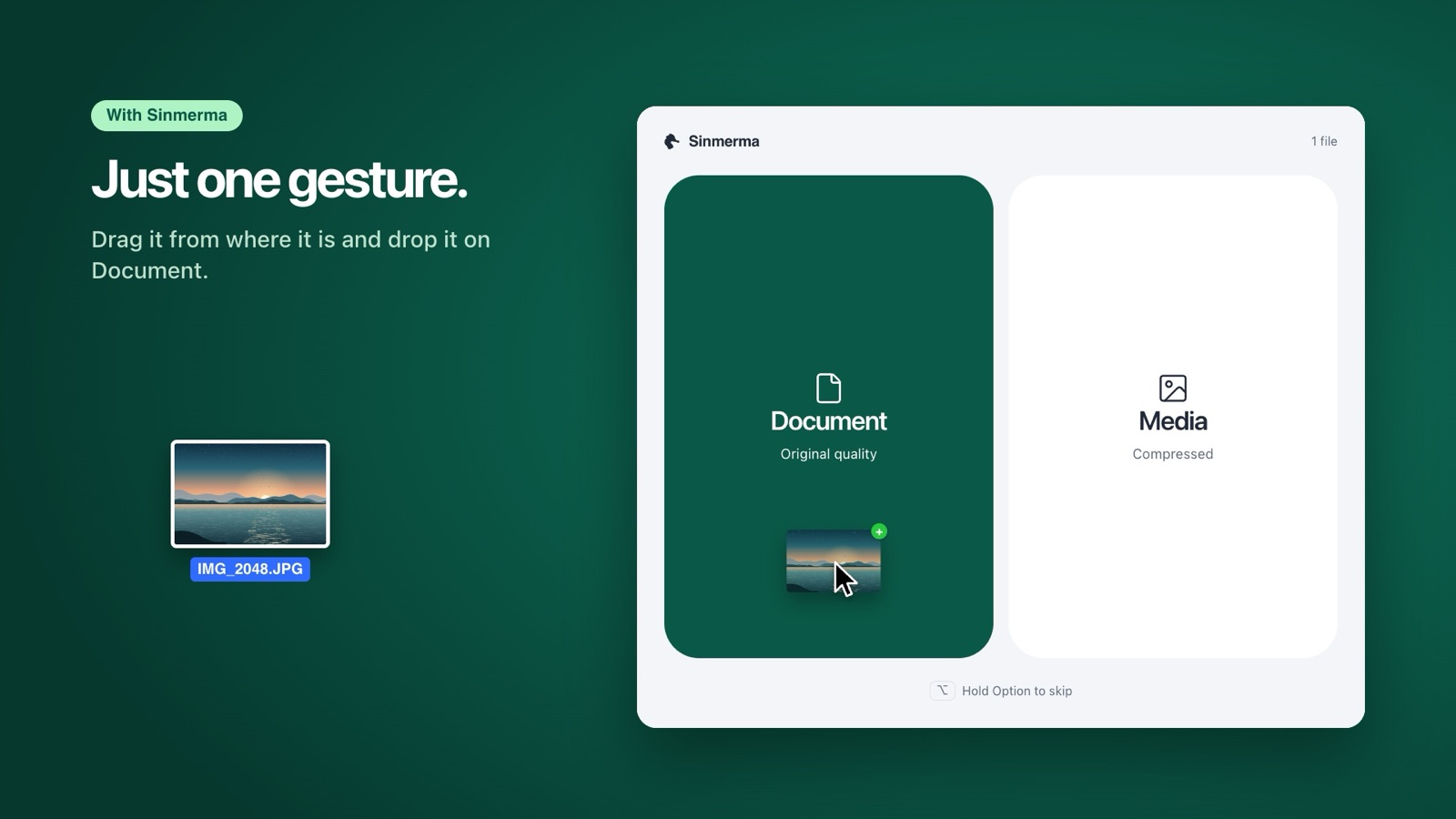
- From a Mac: in WhatsApp, click + › Document, choose the photo and send it. Or, with Sinmerma, drag it onto the chat and drop it on Document.
- From an iPhone or Android: in the chat, tap + or the paperclip › Document and choose the photo. This guide has the steps for each phone.
- HEIC photos: iPhones save photos as HEIC, and some print shops can't open that format. If they ask for a JPEG, on a Mac open the photo in Preview and choose File › Export › JPEG, or right-click it in the Finder › Quick Actions › Convert Image.
If you received the photo
If it arrived as a normal photo in the chat, the quality is already gone: saving it or running it through an “enhancer” won't bring back the missing detail. Ask the person to send it again as a document. You'll know it's the original because it arrives as a file, with its name and its size in MB.
To print it from a Mac, open the document from the chat in WhatsApp, save it to your Mac, open it in Preview and choose File › Print. Before printing big, check its dimensions in Tools › Show Inspector.
Frequently asked questions
Can I print a photo I received on WhatsApp?
Yes, but if it arrived as a normal photo it was compressed, and it looks worse the bigger you print it. For a small print it may pass; for a frame, a cake or a banner, ask for it as a document.
Is WhatsApp HD good enough for printing?
HD compresses less than standard quality, but it still doesn't send the original file. For printing, a document is the safe option.
How do I know if I received the original?
It arrives as a file you download, with its name and size, not as a picture in the chat. To check its dimensions on a Mac, open it in Preview and choose Tools › Show Inspector.
More guides: how to send photos without losing quality on Mac, why WhatsApp compresses your photos and HD photos on WhatsApp for Mac and PC.
Do it in one step with Sinmerma
Sinmerma is a Mac app: when you drag photos or videos onto WhatsApp for Mac, you choose Document (original quality) or Media (compressed) just by dropping them. It never sends for you.
Download for Mac See how it works
Try it free: 20 sends in original quality, no card.