 Sinmerma
How to send a video on WhatsApp without losing quality
Videos you send as media lose a lot of quality: WhatsApp lowers their resolution and compresses them so they take up less space. To send a video on WhatsApp without losing quality, send it as a document, and it arrives as the original file.
Send the video as a document (on Mac, + › Document). It arrives without compression, though the other person has to download it before watching it.
On Mac
- Open the chat in WhatsApp for Mac.
- Click + and choose Document.
- Select the video in the file picker, click Open and send it.
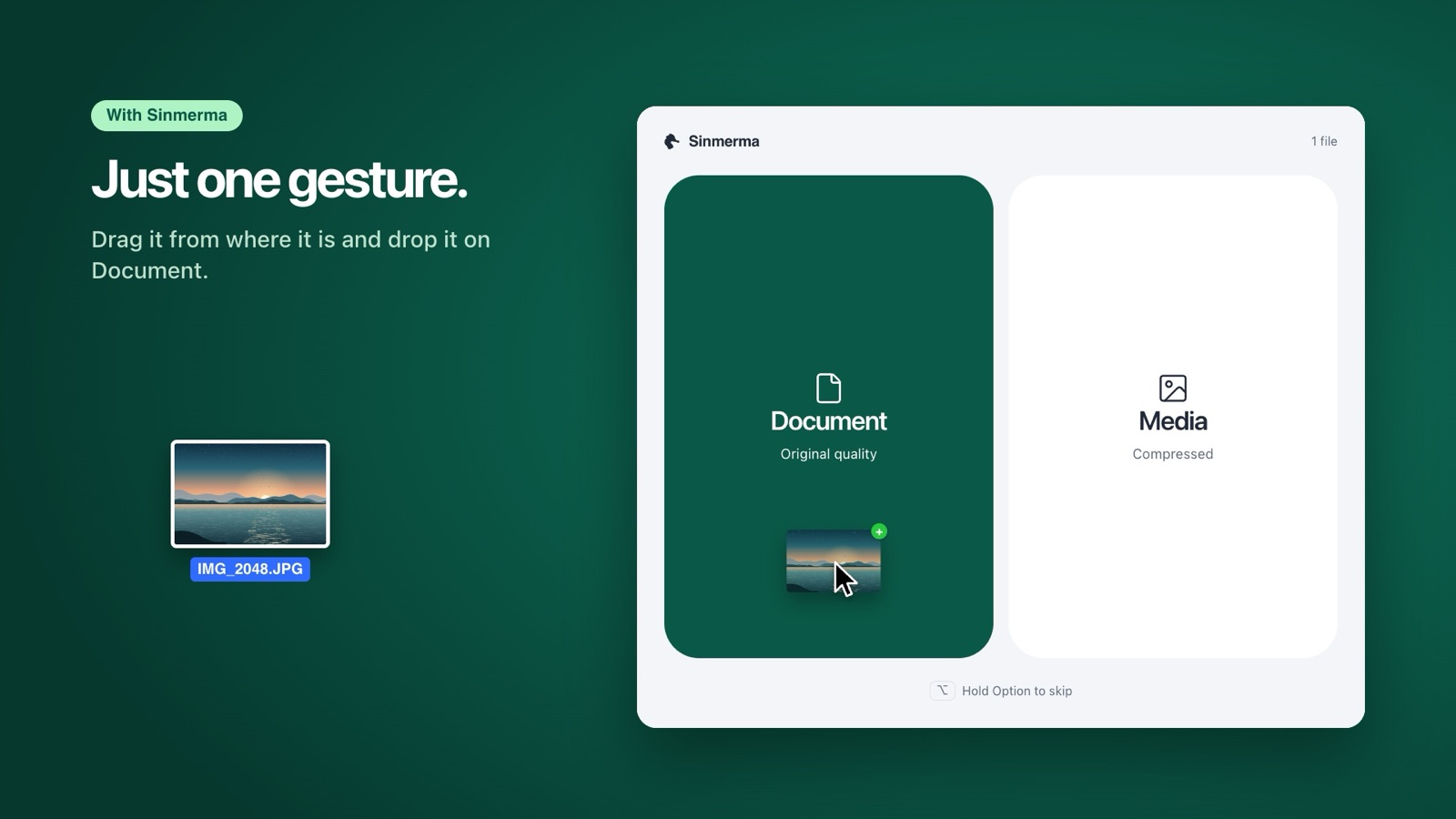
With Sinmerma it's faster: drag the video onto WhatsApp from wherever it already is and drop it on the Document zone. No menu, no file picker. Sinmerma attaches it and you send it.
On iPhone
- In the chat, tap + and choose Document.
- Find the video. If it's in the Photos app, save it to Files first (Share › Save to Files), unless your version of WhatsApp lets you pick it straight from Photos.
- Send it.
On Android
- In the chat, tap the paperclip and choose Document.
- Find the video in your files and send it.
Sending video without compression: what to know
- Size: as a document, WhatsApp accepts files up to 2 GB. An original video is much bigger than its compressed version, so it takes longer to send and to download.
- How the other person sees it: it doesn't play right in the chat like a regular video; they download it first and then open it.
- Mobile data: if the other person isn't on Wi-Fi, the original uses more data.
More guides: how to send photos without losing quality on Mac and why WhatsApp compresses your photos.
Do it in one step with Sinmerma
Sinmerma is a Mac app: when you drag photos or videos onto WhatsApp for Mac, you choose Document (original quality) or Media (compressed) just by dropping them. It never sends for you.
Download for Mac See how it works
Try it free: 20 sends in original quality, no card.