 Sinmerma
Why WhatsApp compresses your photos and videos
WhatsApp compresses the photos and videos you send as media, and that's why their quality drops. It does it so they send fast and take up little space, but fine detail gets lost along the way.
As media, WhatsApp lowers the resolution and recompresses the file. As a document, it sends the original untouched.
What WhatsApp does to your photo
- It makes it smaller: it lowers the resolution, that is, the number of pixels.
- It compresses it again: it saves the image with heavier compression, which wipes out fine detail and can leave blotches or blocky patches in skies and gradients.
- It strips its details: it removes metadata such as the original date or the location.
On a phone screen you can barely tell. You can tell when you zoom in, view it large or print it: small text becomes unreadable and edges lose their sharpness.
Why WhatsApp compresses photos
Compression lets photos go out in seconds, use little mobile data and take up less space on the phones of the people who receive them. For most everyday photos, that's a fair trade.
When it does matter
- Photos to print or frame.
- Photos someone is going to edit: designers, print shops, agencies.
- Work photos: floor plans, documents, products, construction sites, real estate.
- Memories you want to keep in the best possible quality.
How to stop WhatsApp from compressing your photos
Send the photo or video as a document: the original file goes through, uncompressed. We walk through it step by step in how to send photos without losing quality on Mac and how to send a video without losing quality.
WhatsApp's HD option helps, because it compresses less, but it doesn't send the original either. And if you send as a document, remember the metadata goes along too, including the location if the photo has one.
Do it in one step with Sinmerma
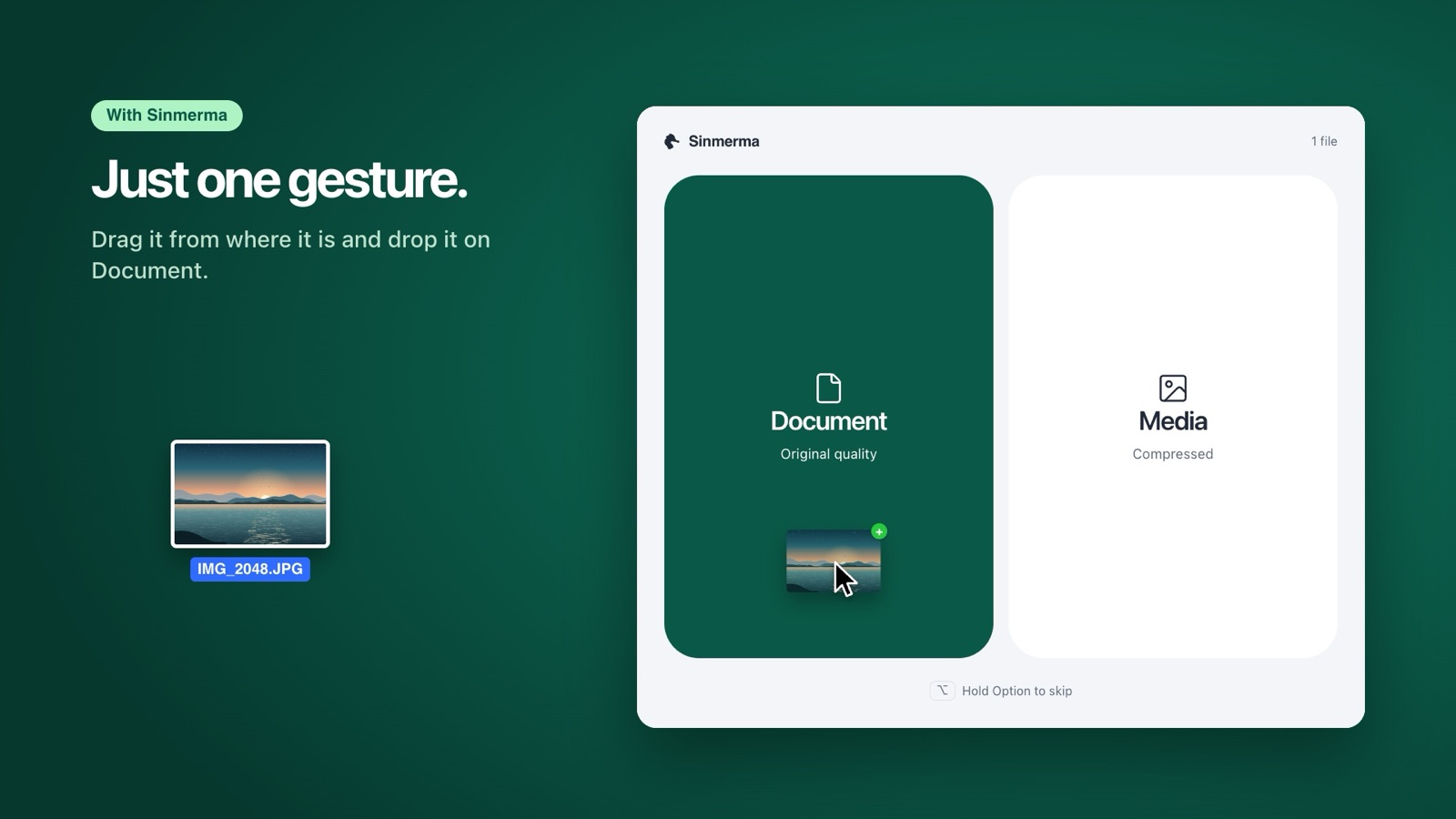
Sinmerma is a Mac app: when you drag photos or videos onto WhatsApp for Mac, you choose Document (original quality) or Media (compressed) just by dropping them. It never sends for you.
Download for Mac See how it works
Try it free: 20 sends in original quality, no card.