 Sinmerma
How to send photos and designs to clients on WhatsApp without losing quality
You send the logo for approval at 11 p.m. and the client replies: “it looks blurry, can you improve it?”. You didn't change a pixel; WhatsApp compressed it on the way. Here's how to send your work so the client sees exactly what you made.
Send the file as a document: it arrives exactly as you exported it, with sharp edges, readable text and its transparency. Sent as a photo, WhatsApp turns the PNG into a compressed JPEG and the transparent background becomes a solid color.
What WhatsApp does to a design sent as a photo
- It softens edges and small text. Compression handles flat colors and sharp lines badly, and that's what logos, flyers and type are made of. Thin strokes and small text pick up halos and blur.
- It removes transparency. As media, WhatsApp converts images to JPEG, which has no transparency. A logo on a transparent background arrives on solid white or black.
- It adds bands and noise. Gradients can show steps, and flat brand colors pick up noise around the edges.
- It lowers the resolution of reels and videos. A video sent for approval arrives far below the quality it will be published at.
How to send work for approval
- Export the piece as you'd deliver it: PNG for logos and graphics with transparency, JPEG for photos, PDF for print, MP4 for video.
- In WhatsApp for Mac, click + › Document, choose the file and send it.
- If the client should see it right away in the chat, also send a preview as media, and tell them which one is the real file.
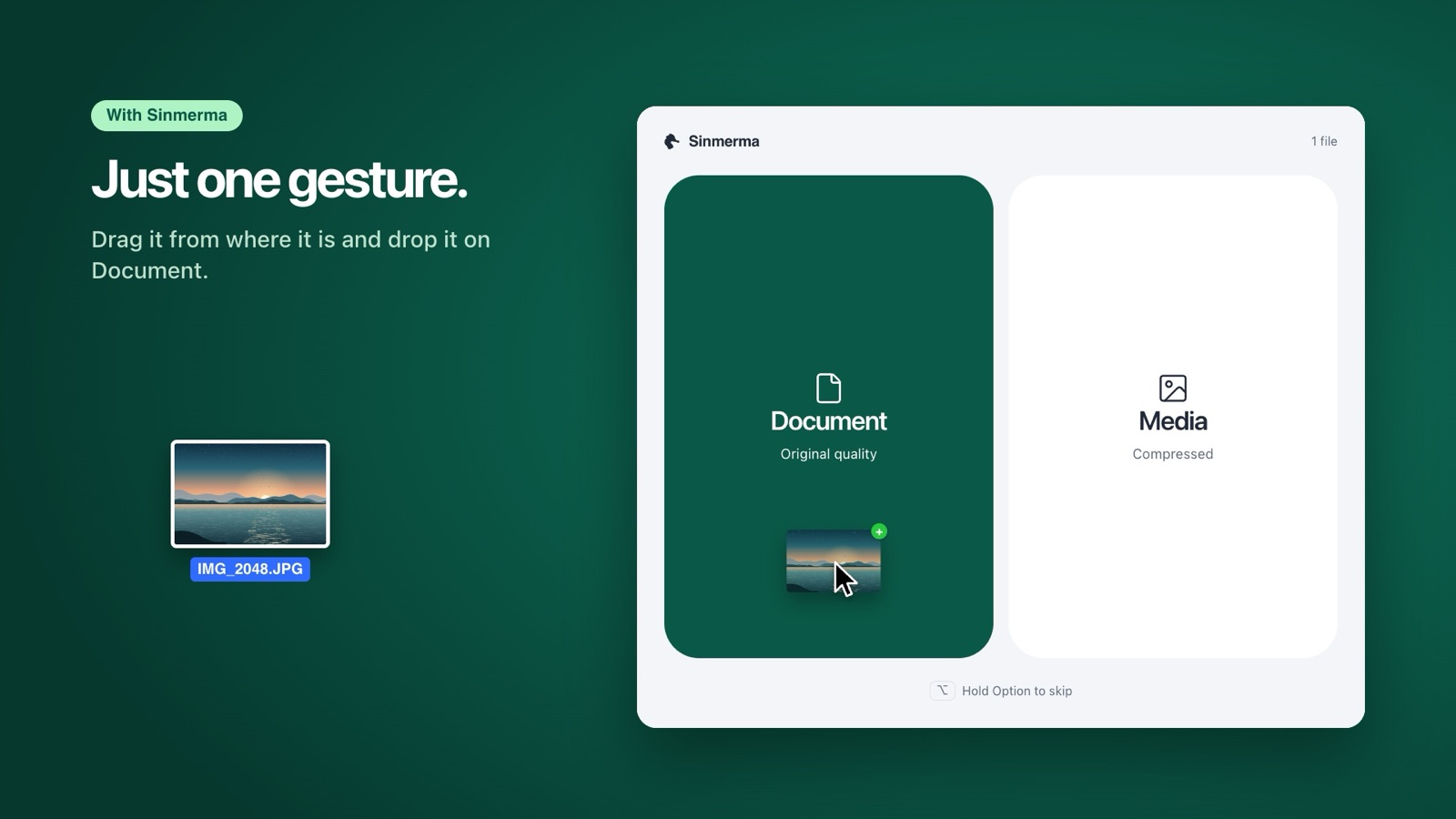
A PDF always travels as a document, so WhatsApp doesn't touch it. For images and videos, Sinmerma saves you the menu: drag the export from the Finder and drop it on Document.
Photographers: the preview and the selects
Most photographers deliver the final gallery through an online gallery service. WhatsApp comes in for what the client wants right away: the preview on the same day, or the few photos they need for a post. Send those as documents too. They're the first impression of your work, and a compressed preview makes a sharp photo look soft.
Frequently asked questions
Why does my logo look blurry on WhatsApp?
Because WhatsApp compresses images sent as media, which softens edges and small text. Sent as a document, the logo arrives exactly as you exported it.
Why did my transparent PNG get a black or white background on WhatsApp?
Sent as media, WhatsApp converts the image to JPEG, a format without transparency, so the background is filled with a solid color. Send the PNG as a document to keep the transparency.
Can the client see a document on their phone?
Yes. They tap it and it opens in full quality, and they can save it from there.
More guides: why WhatsApp compresses your photos, how to send a video without losing quality and how to send photos without losing quality on Mac.
Do it in one step with Sinmerma
Sinmerma is a Mac app: when you drag photos or videos onto WhatsApp for Mac, you choose Document (original quality) or Media (compressed) just by dropping them. It never sends for you.
Download for Mac See how it works
Try it free: 20 sends in original quality, no card.