 Sinmerma
How to send property photos and video tours on WhatsApp without losing quality
You send 30 photos of the apartment and the walkthrough video, and the buyer replies: “do you have better photos?”. They're the photos you took; WhatsApp compressed them on the way. Here's how to send a listing so it arrives as you shot it.
Send the photos and the video tour as documents: they arrive as the original files. Send two or three photos as media first, so the buyer sees the property right away in the chat.
What a buyer loses with compressed photos
Sent as media, photos lose resolution and detail: the finishes, the view from the window, the texture of the floor. Videos suffer even more: a walkthrough shot in 4K arrives at a much lower resolution, and dark rooms fill with blocks. The buyer can't tell compression from a property that looks worse than it is.
A simple way to send a listing
- First, a preview. Send 2 or 3 of the best photos as media. They show up right in the chat, even on a phone with little data.
- Then, the full set. Send all the photos as documents: in WhatsApp for Mac, click + › Document, select them holding ⌘ and click Open.
- The video tour, also as a document. It arrives in full quality as long as it's under 2 GB. For a longer tour, share a link from a cloud drive.
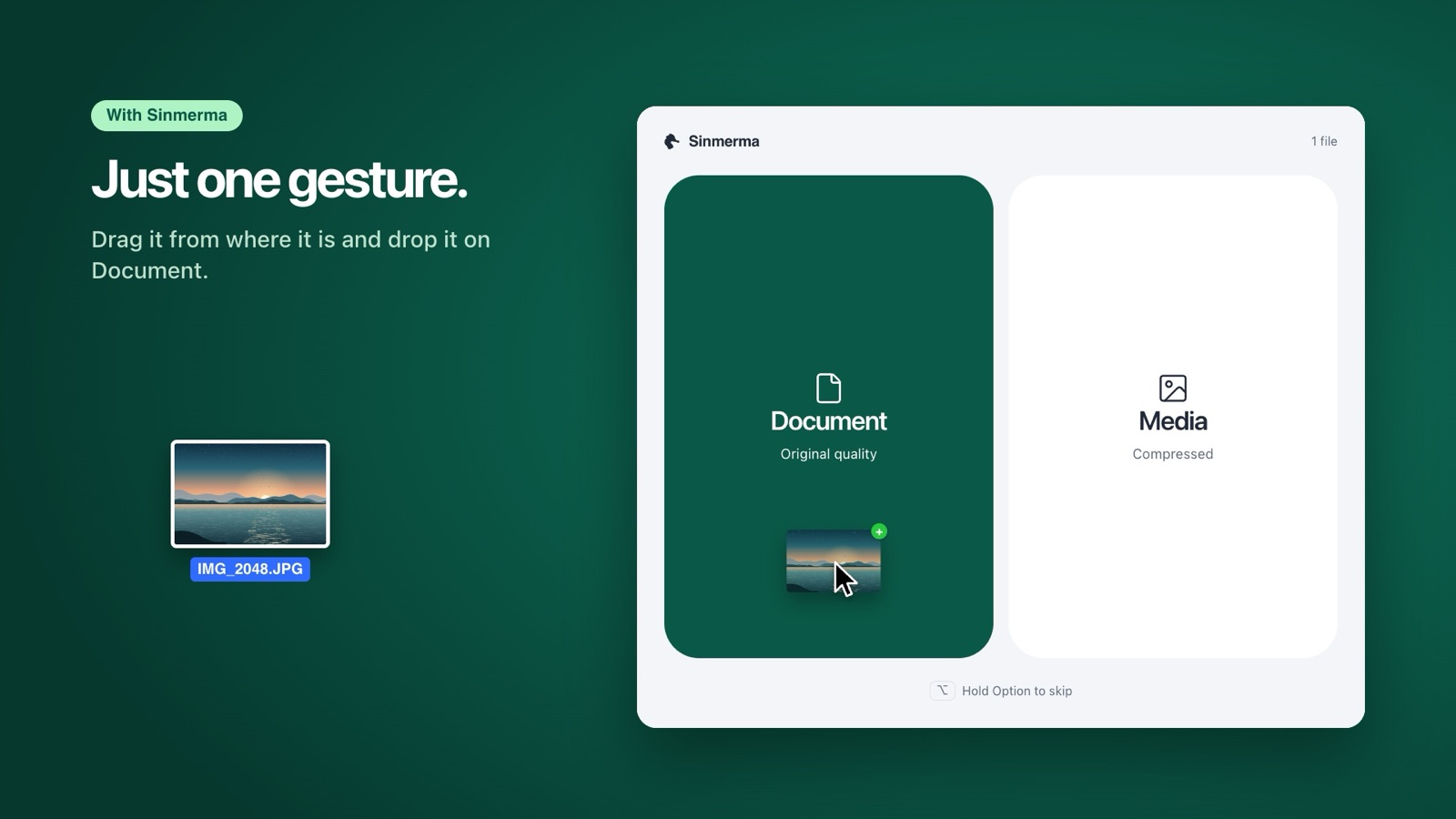
With Sinmerma, each step is one drag from the listing's folder: drop the preview photos on Media and the full set on Document.
Before you send
- Location in the photos. As documents, photos keep their metadata, including the GPS location if the camera saved it. If you don't want to share the exact address yet, remove the location first in the Photos app.
- File names. “living-room-1.jpg” or “kitchen.jpg” help the buyer more than “IMG_0193.jpg”.
- Mobile data. Originals are heavier. If the buyer is out and about, the media preview is enough to start, and the documents can wait for Wi-Fi.
Frequently asked questions
Why do my property videos look bad on WhatsApp?
Because WhatsApp lowers the resolution of videos sent as media and compresses them heavily. Sent as a document, the video arrives as the original file, up to 2 GB.
Does the buyer need an app to open the documents?
No. A document opens with a tap in WhatsApp, on a phone or a computer. JPEG photos and MP4 videos open everywhere.
Should I send everything as a document?
Not necessarily. A few photos as media work as a quick preview in the chat; the full set and the video as documents show the property as it is.
More guides: how to send a video without losing quality, how to send several photos as documents at once and how to send photos without losing quality on Mac.
Do it in one step with Sinmerma
Sinmerma is a Mac app: when you drag photos or videos onto WhatsApp for Mac, you choose Document (original quality) or Media (compressed) just by dropping them. It never sends for you.
Download for Mac See how it works
Try it free: 20 sends in original quality, no card.